
Safe Web Browsing Training
This training gives your colleagues a general awareness of safe web browsing, so they can tell which websites, pop-ups and forms to trust.
5 mins | 4 Lessons | 4 Quizzes
Get Started FreeWhat the training consists of
-
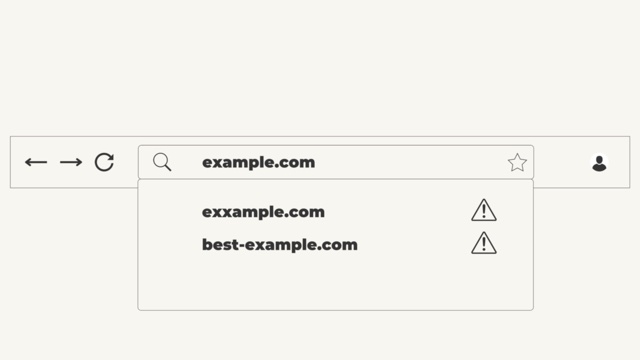
1. Identifying fake websites and malicious links
1:52Fake websites often imitate real ones with a slightly changed name or an extra word added to a brand name. The first lesson shows how to check a web address before clicking, and what makes a website look genuine once it is open, such as proper contact details and real photos rather than stock images.
-
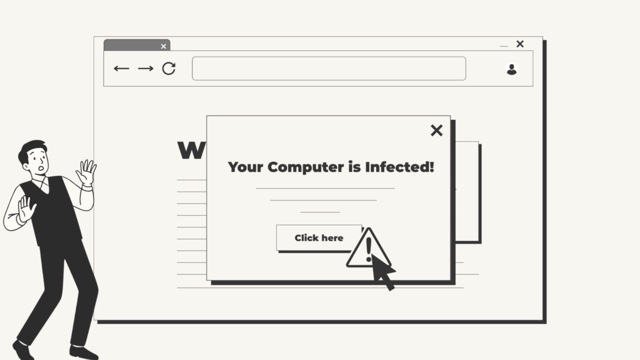
2. Handling pop-ups and fake warnings
1:12Some pop-ups claim the computer is infected or demand immediate action. The second lesson explains why the safe move is to close the tab or the browser without clicking anything in the pop-up, and how genuine messages, such as a bank’s session warning, look different.
-
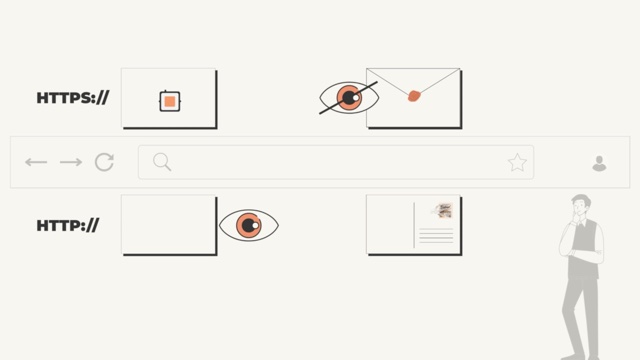
3. Recognising secure websites (HTTPS and HTTP)
1:10The third lesson explains HTTPS, the padlock in the address bar, which means a website encrypts what is typed into it so attackers find it much harder to read on the way.
-
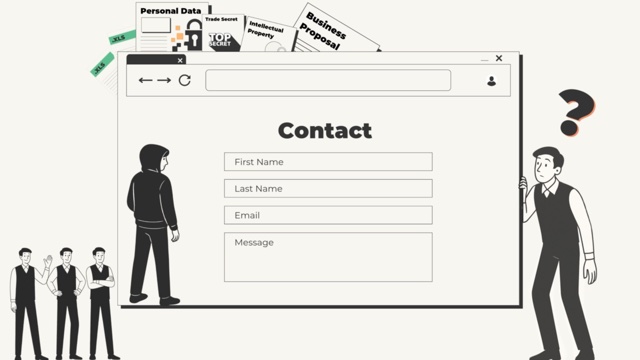
4. Safe data entry practices
1:01Finally, colleagues learn why a reused password is a risk when entering data online, and how the browser’s automatic form filling (autofill) can share more than a form needs.
Why it matters
Anyone can put a website online, and fake ones are made to look real. One click on the wrong link or pop-up, or data typed into the wrong form, can lead to malware, identity theft, exposed business secrets or a company data breach.
What your colleagues learn
- The browser does not catch everything. It can warn about websites already on its list of known dangerous ones, but a website that is not on the list gets no warning.
- Fake warnings are written to cause panic. They push for a click or a phone call before anyone stops to question them.
- HTTPS has to be checked on the page where data is typed in. Some websites use it on some pages only, and the login or contact form can be on a page without it.
- Filling in a form means trusting the people behind the website. Before typing anything in, it is worth asking what would happen if this data fell into the wrong hands, and whether it is needed at all.
Related Courses
View all →-
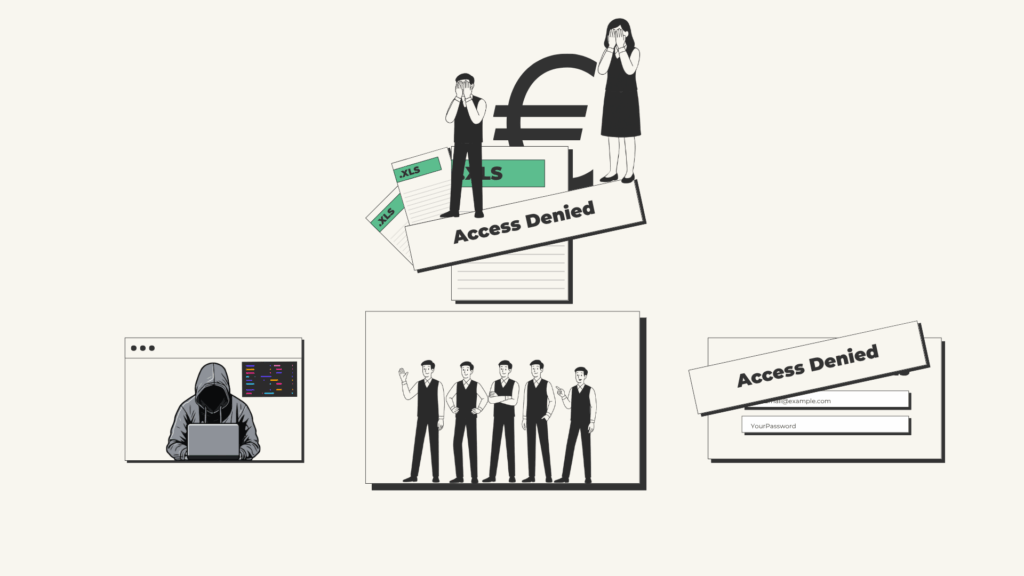 Email (Phishing)
Not every email is what it seems, and this training shows how to spot one and what to do with it.
Email (Phishing)
Not every email is what it seems, and this training shows how to spot one and what to do with it.
-
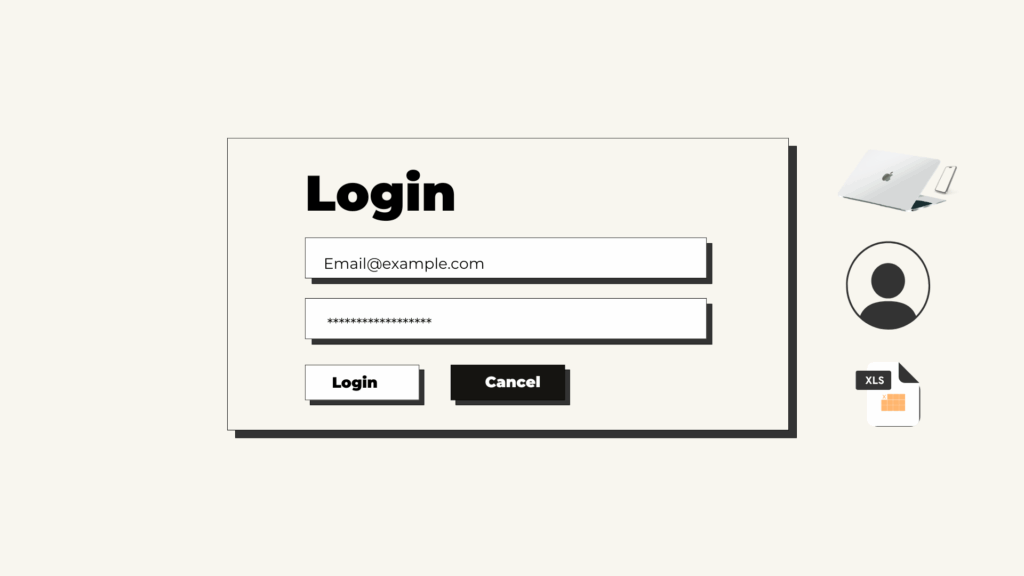 Password Security
Strong passwords do not have to be hard to remember, as this course shows.
Password Security
Strong passwords do not have to be hard to remember, as this course shows.
-
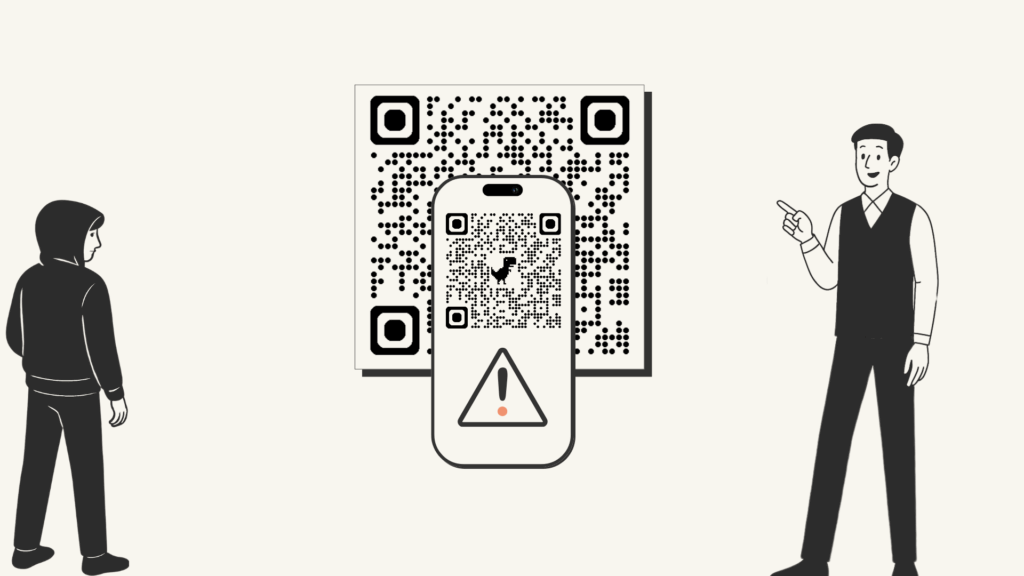 Social Engineering
Attackers often target people rather than systems, and the course explains why, along with one simple method for any suspicious request.
Social Engineering
Attackers often target people rather than systems, and the course explains why, along with one simple method for any suspicious request.