
Email Phishing Training
This training builds your colleagues’ general awareness of phishing, the emails that trick people into giving attackers access to company data.
5 mins | 3 Lessons | 3 Quizzes
Get Started FreeWhat the training consists of
-
1. Phishing is a significant risk
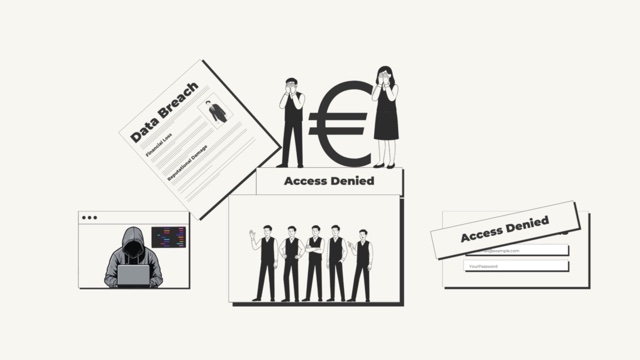
1:37One click on a phishing email can be all it takes to put the organisation’s data at risk. The first lesson shows what that click can lead to, from stolen passwords to ransomware, and the forms phishing takes, from mass emails to a fake message from someone’s own boss (spear phishing).
-
2. How to spot a phishing email
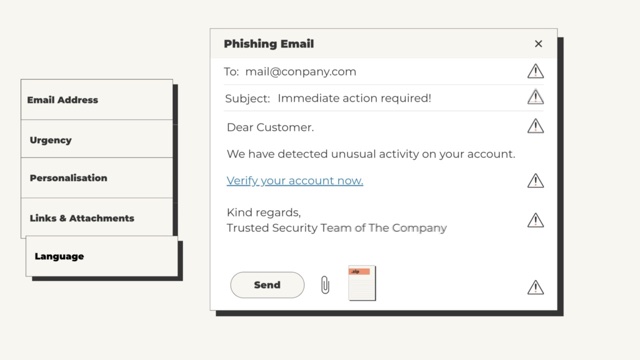
1:48The second lesson goes through the warning signs: a sender address that is almost right, urgent language, a generic greeting such as “Dear customer”, links that do not go where they claim to, attachments nobody was expecting, and a tone that feels off.
-
3. How to act if you suspect phishing
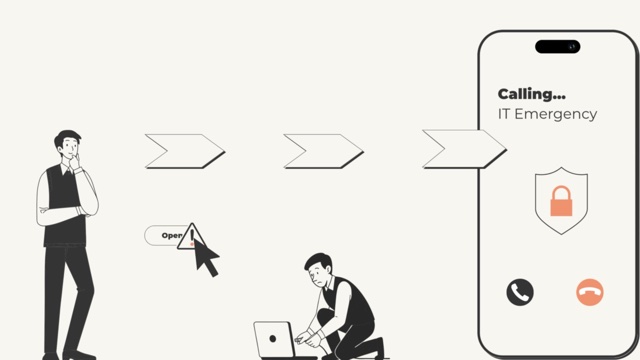
1:48Colleagues then learn to leave a suspicious email’s links and attachments alone, report it with the email program’s Report phishing button and to IT, and delete it when IT says so. The last lesson also covers what to do if someone has already clicked.
Why it matters
Phishing is one of the most common causes of data breaches in organisations. The damage goes beyond the person who clicked: it can mean lost or exposed client data, financial losses, and harm to the organisation’s reputation and the trust of its clients.
What your colleagues learn
- Email security filters do not catch every phishing email. When one gets through, it is up to the person reading it to recognise it.
- Phishing relies on people acting fast. Urgent or alarming wording, such as “Immediate action required”, is written to get a click before anyone stops to think.
- Good spelling no longer means an email is genuine. Many phishing emails are now written with AI and read as polished as a real message.
- Reporting protects everyone else. Colleagues may have received the same email, and a quick report lets IT block it before someone else clicks.
- After a click, acting quickly makes a difference. Disconnecting from the network and telling IT straight away can significantly reduce the damage.
Related Courses
View all →-
 Social Engineering
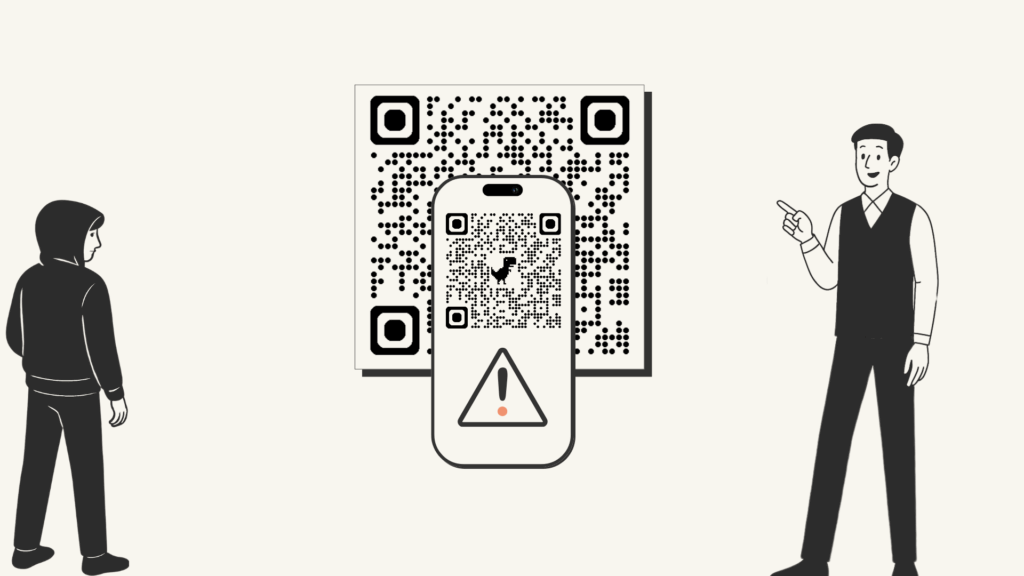
Attackers often target people rather than systems, and the course explains why, along with one simple method for any suspicious request.
Social Engineering
Attackers often target people rather than systems, and the course explains why, along with one simple method for any suspicious request.
-
 Safe Web Browsing
A fake website, pop-up or form can look convincing, yet there are clear ways to tell it from a genuine one.
Safe Web Browsing
A fake website, pop-up or form can look convincing, yet there are clear ways to tell it from a genuine one.
-
 Password Security
Strong passwords do not have to be hard to remember, as this course shows.
Password Security
Strong passwords do not have to be hard to remember, as this course shows.