
Email Phishing Simulations
Coming soonTrain your employees with email phishing simulations in a safe environment. They can take as many as they need to get real practice with different types of phishing attack.
Phishing Simulations
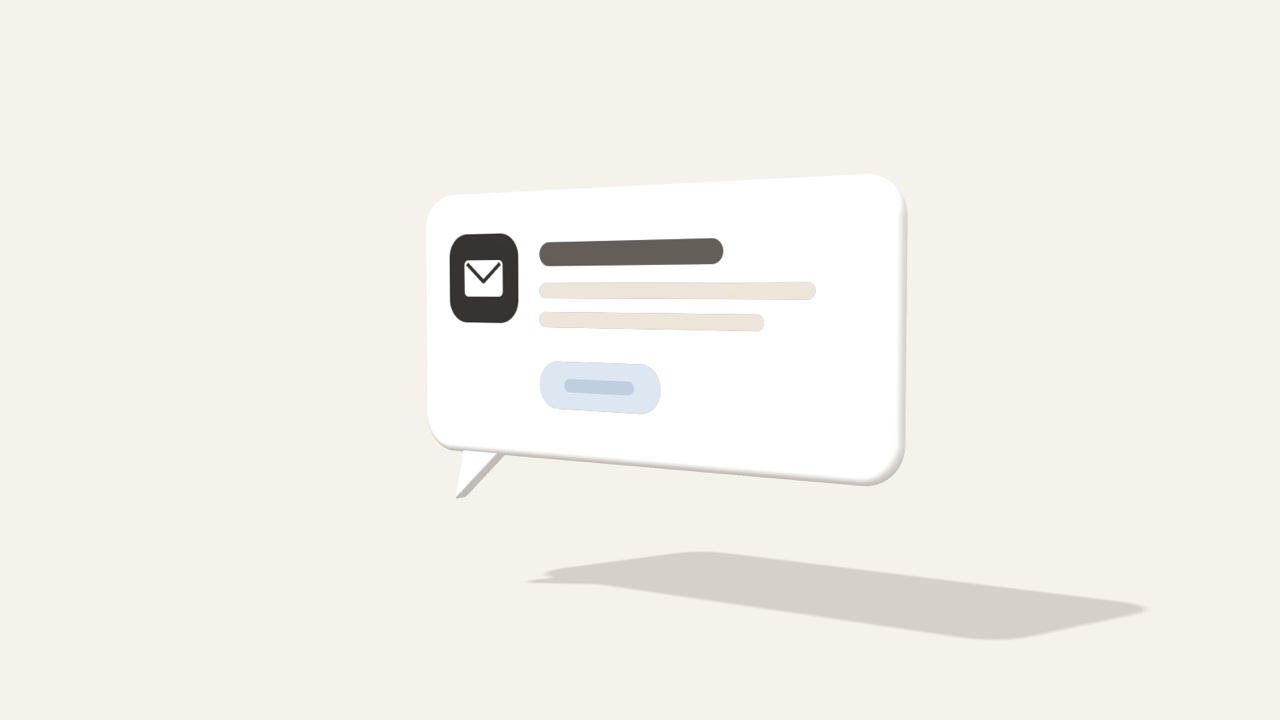
Fake chat notices
Fake chat notices copy the emails Teams or Slack send about a waiting message or a new team, so that people click a link.
Phishing simulation

CEO fraud
In CEO fraud, an attacker pretends to be the CEO or a senior manager and asks for an urgent payment or confidential data.
Phishing simulation
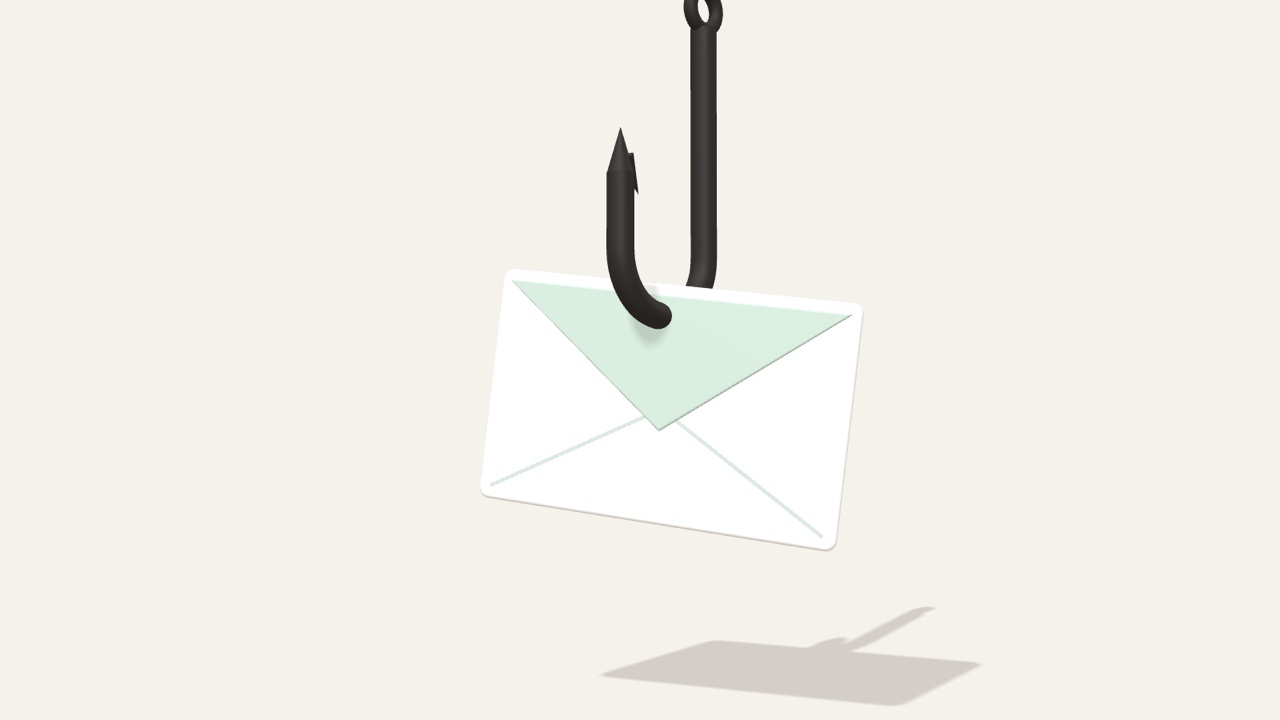
Everyday phishing
In this simulation an attacker sends the same fake parcel notice, bank alert or HR email to many people at once.
Phishing simulation
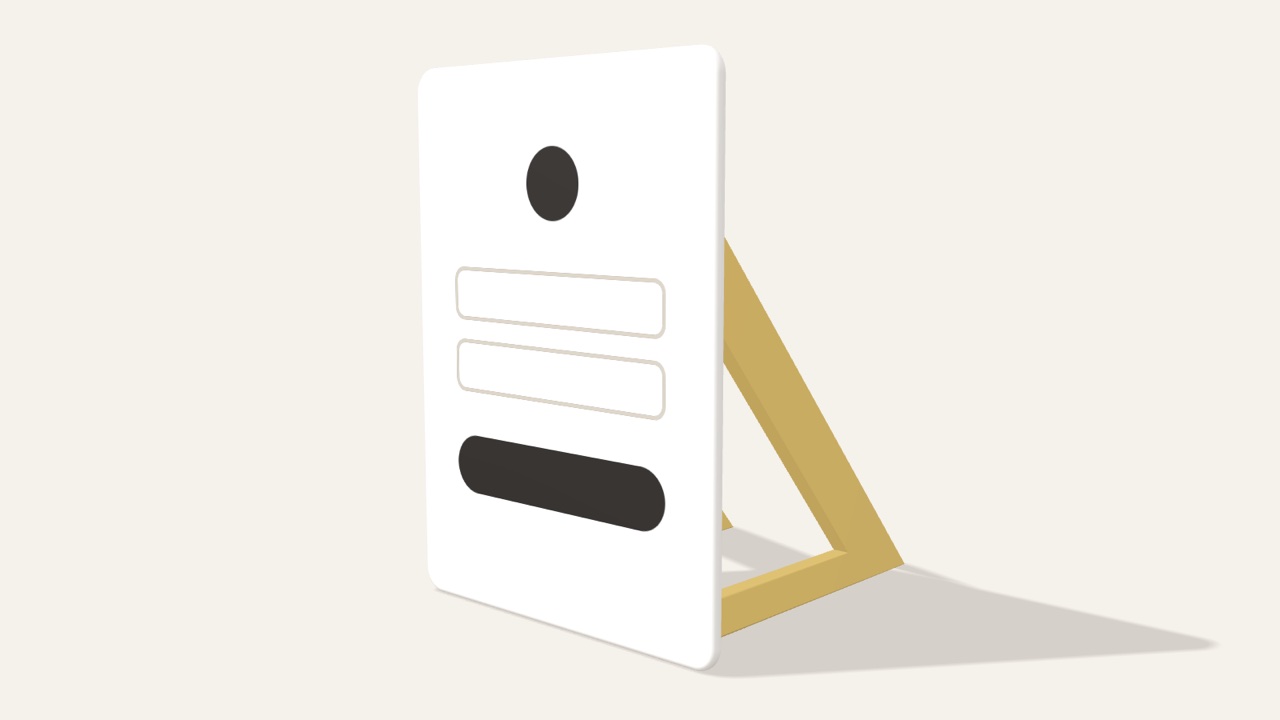
Fake sign-in pages
Fake sign-in pages look like a real login screen, such as the one for Microsoft 365, and the password people type there goes to the attacker.
Phishing simulation
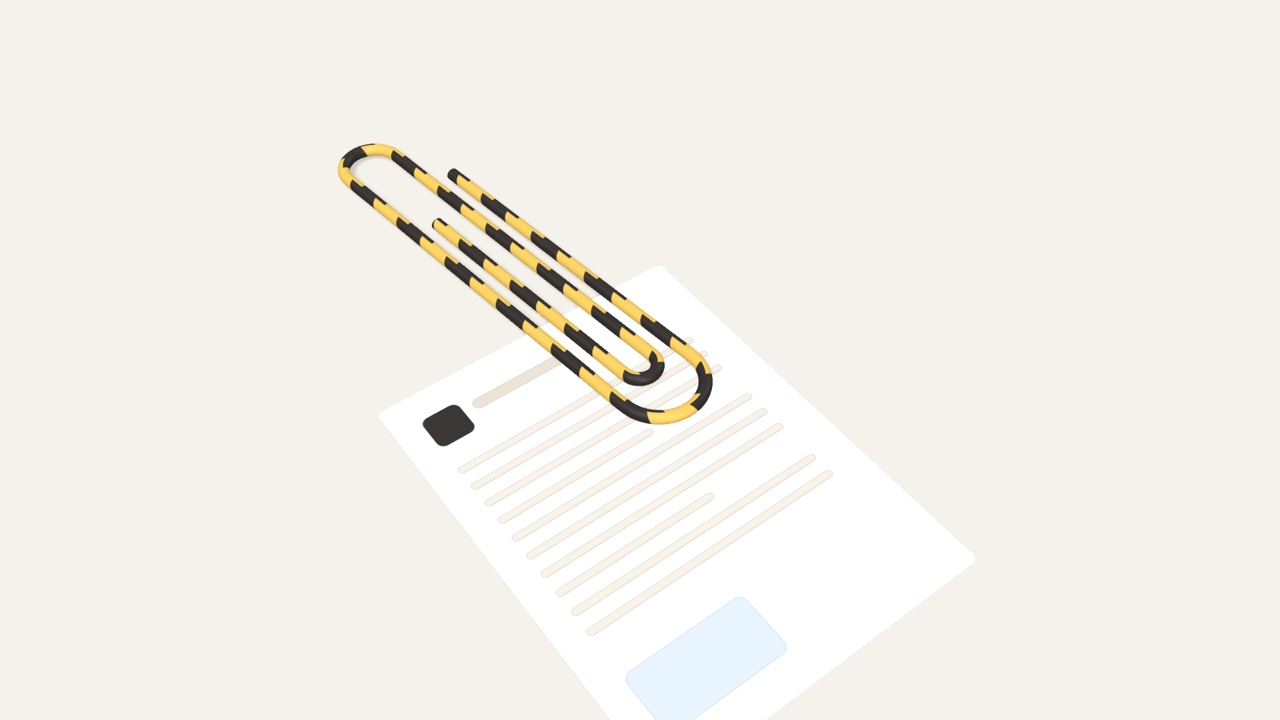
Dangerous attachments
Dangerous attachments pose as an ordinary invoice or PDF, but opening one can bring malware onto the computer or lead to a fake page.
Phishing simulation
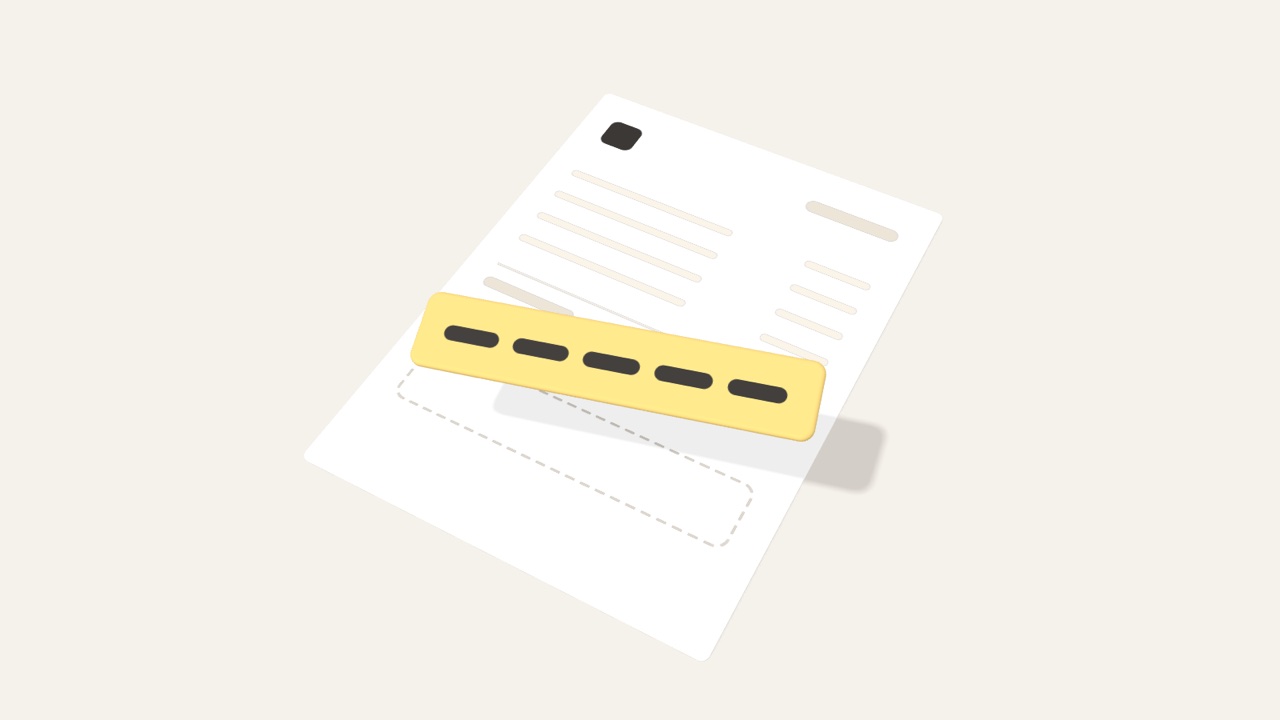
Invoice fraud
Invoice fraud gets a company to pay criminals instead of its supplier, with a fake invoice or an email announcing new bank details.
Phishing simulation
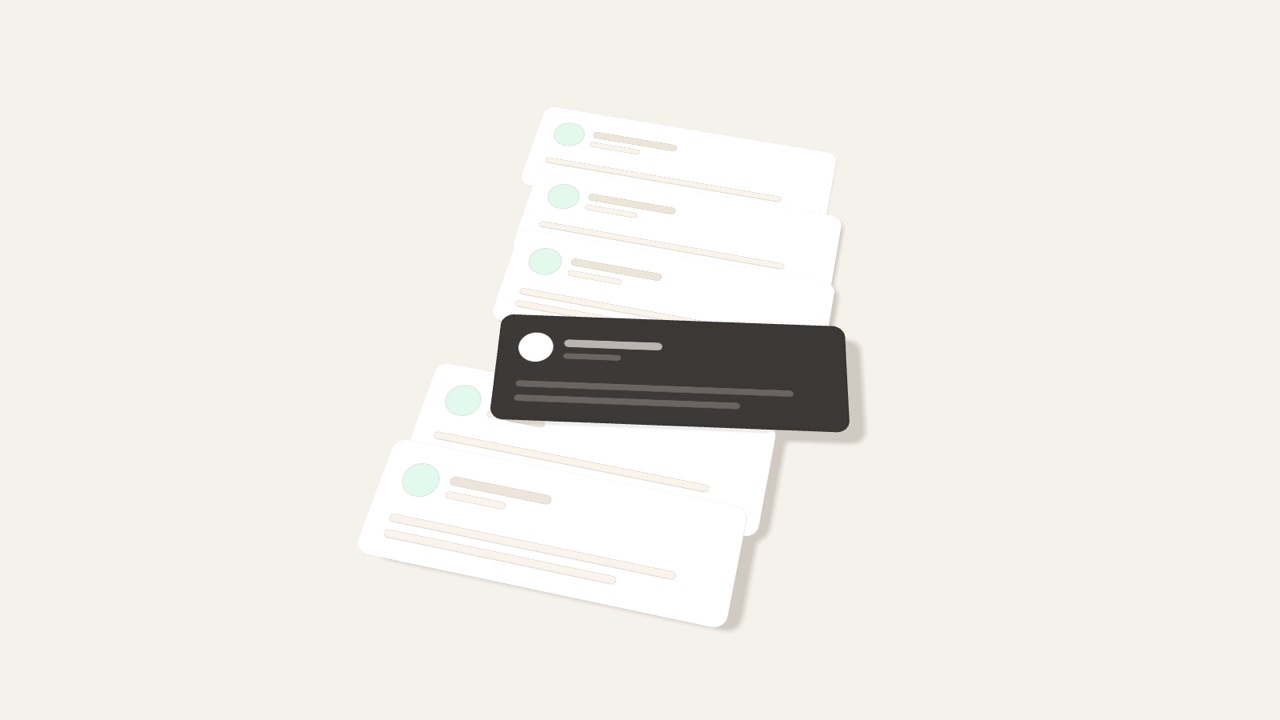
Thread hijacking
Thread hijacking happens inside a real email conversation, when an attacker replies in the thread with a request of their own.
Phishing simulation

Spear phishing
Spear phishing is a fake email written for one person, using their name, colleagues or projects so that it seems genuine.
Phishing simulation
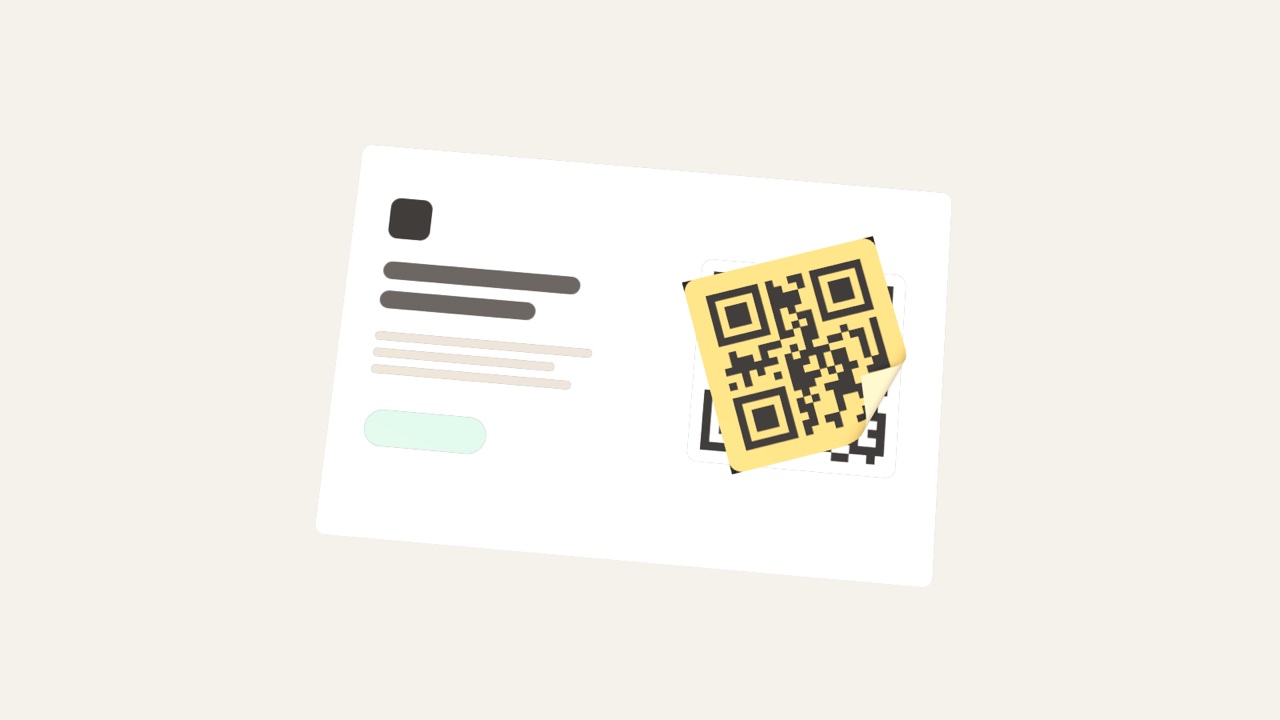
Quishing
Quishing is phishing with a QR code, where scanning the code from an email opens a fake sign-in or payment page.
Phishing simulation

Fake orders
Fake orders often come from a new buyer who poses as a real company, orders goods in bulk on credit and never pays.
Phishing simulation
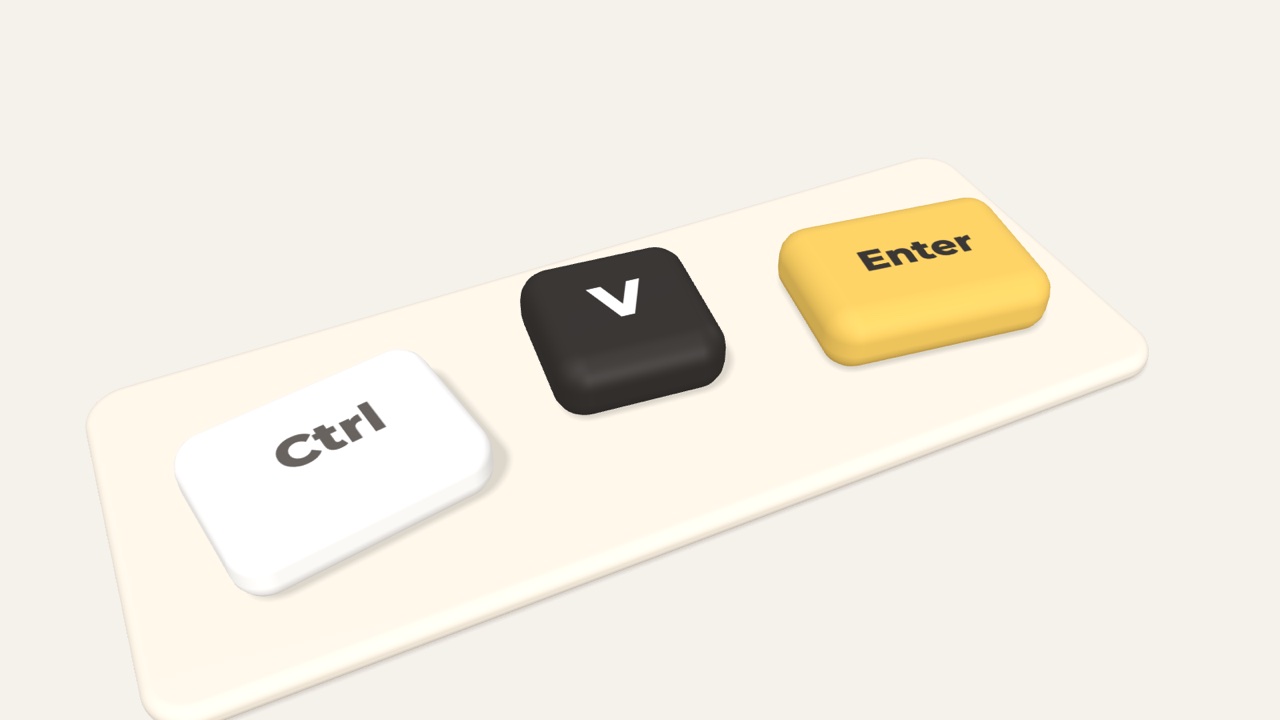
ClickFix
ClickFix tricks people into pasting and running a command, usually through a fake “verify you are human” box, and the command can install malware.
Phishing simulation