
Password Security Training
Passwords open the organisation’s accounts, devices and files. This training gives your colleagues a general understanding of choosing them well and keeping them safe.
6 mins | 3 Lessons | 3 Quizzes
Get Started FreeWhat the training consists of
-
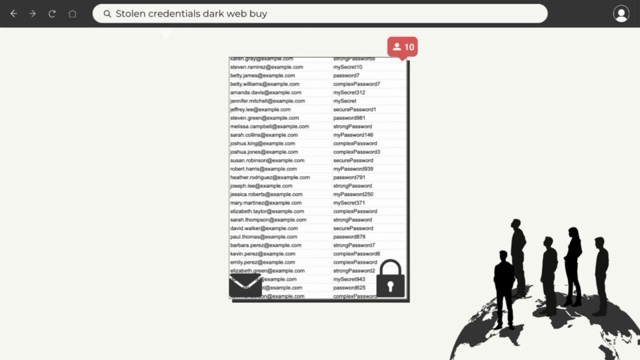
1. The importance of strong passwords
2:07Attackers get hold of passwords by tricking people (phishing), by guessing, or by buying passwords leaked in data breaches. The first lesson also shows why the habits that make passwords easy to remember also make accounts easier to break into.
-
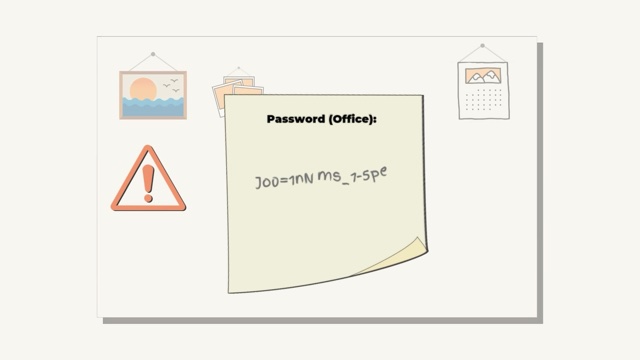
2. Best practice passwords
2:04The second lesson covers what makes a password strong: at least 12 characters, mixed letters, numbers and symbols, nothing personal or from a dictionary, and a different password for each account. It also covers keeping passwords private once they are made.
-
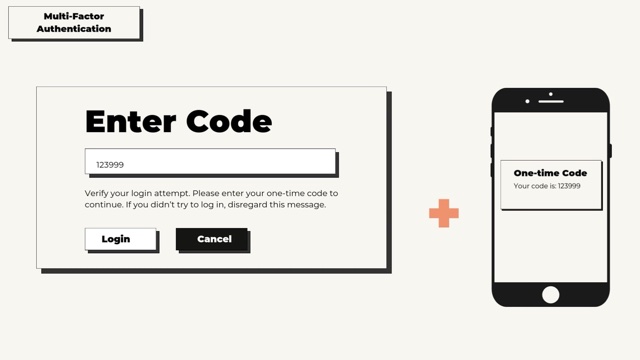
3. Password security (advanced)
1:59Beyond the password itself, the last lesson introduces multi-factor authentication (MFA), which asks for a second proof such as a one-time code, and password managers. It also covers passkeys, which replace the password with a fingerprint or PIN.
Why it matters
The organisation’s online accounts can be reached from anywhere, so anyone with an email address and a password can try to log in to them. Stolen and compromised passwords are behind a real share of data breaches, which makes every colleague’s passwords part of the organisation’s overall protection.
What your colleagues learn
- One leaked password can open every account that shares it. Attackers try leaked email and password pairs on social media, shopping sites and other popular platforms to see where they still work (credential stuffing).
- Common passwords are the first ones attackers try. Their tools start with the most commonly used passwords, such as 123456 and admin, so a password chosen because it is easy to remember is also easier to crack.
- A strong password can still be memorable. A sentence that means something to the person (a passphrase), shortened to its first letters and finished with numbers and a symbol, gives a password that is complex and unique, yet easy to recall.
- An unexpected password reset email can be a warning sign. It may mean someone else has the password, and the next step is to change it straight away, on every account that uses it.
- A password manager does the remembering. Keeping a different random password for every account in memory is difficult, and a password manager stores them encrypted in one place and fills them in at login.
Related Courses
View all →-
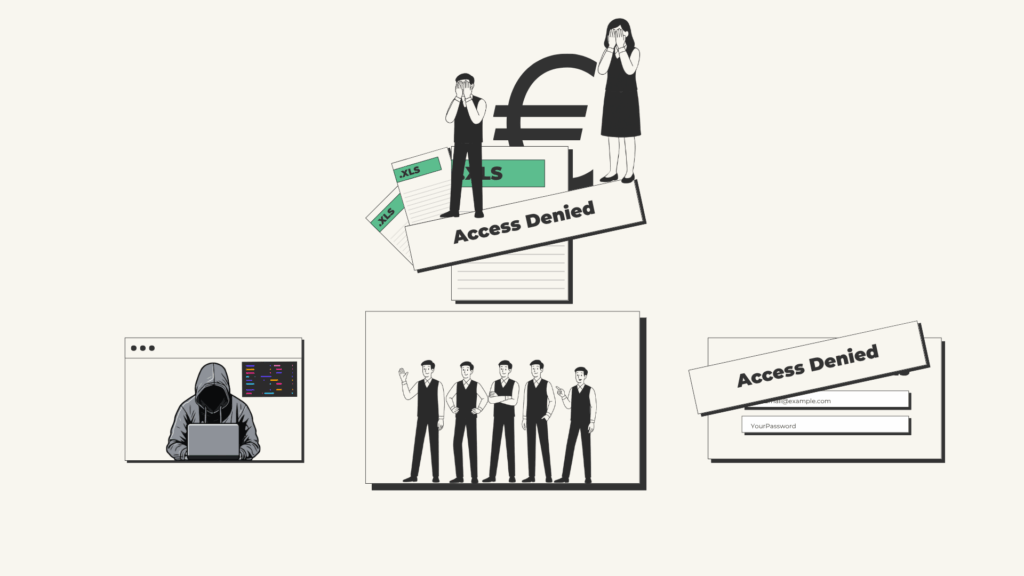 Email (Phishing)
Not every email is what it seems, and this training shows how to spot one and what to do with it.
Email (Phishing)
Not every email is what it seems, and this training shows how to spot one and what to do with it.
-
 Safe Web Browsing
A fake website, pop-up or form can look convincing, yet there are clear ways to tell it from a genuine one.
Safe Web Browsing
A fake website, pop-up or form can look convincing, yet there are clear ways to tell it from a genuine one.
-
 Information Security
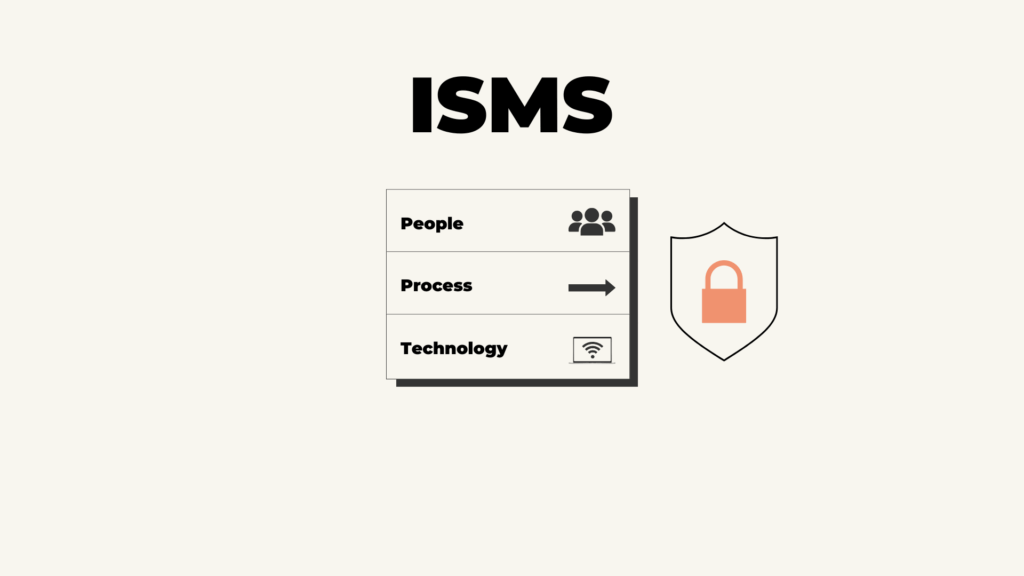
Protecting information is a task for the whole organisation, and every employee has a part in it.
Information Security
Protecting information is a task for the whole organisation, and every employee has a part in it.